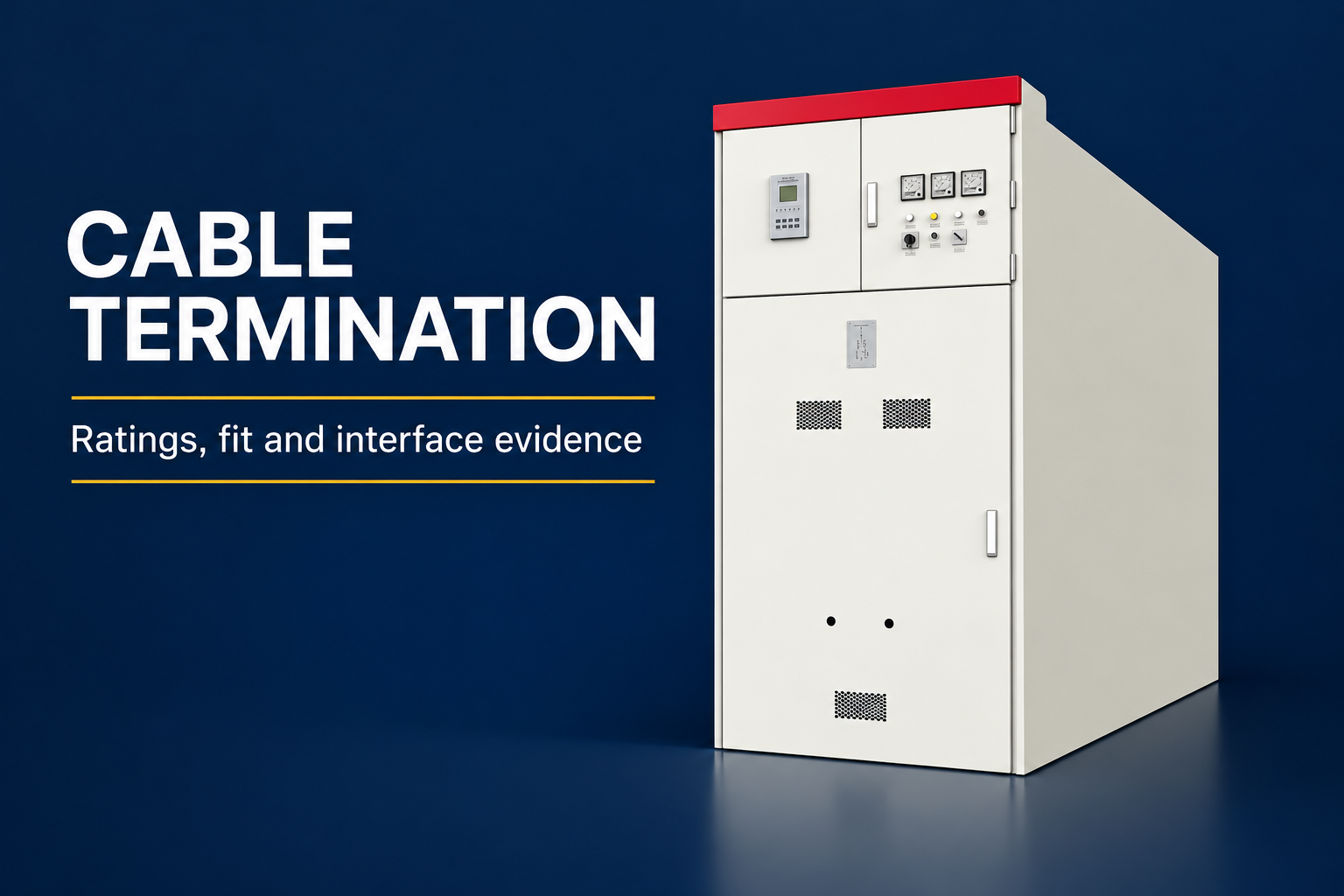

A switchgear extension adds equipment to an existing assembly and must be treated as a documented engineering change. Physical space beside a lineup does not establish compatibility. The project needs evidence for the electrical interface, assembly configuration, protection, operating sequence, installation conditions and responsibility for the completed system. A useful enquiry therefore starts with the existing board’s identity and records, then defines the proposed addition and its effects. This guide focuses on extending a metal-enclosed switchgear lineup. It does not provide live connection instructions, claim that two similar cabinets can be joined, or promise that any existing board can accept additional panels.
Define extension, replacement and room expansion
An additional feeder cubicle connected into an existing assembly is a different project from installing a separate board in the same room. Room space planning addresses access and delivery; assembly extension addresses how equipment becomes part of the existing electrical system. Establish which scope applies before asking suppliers for a price or treating an empty footprint as an approved extension position.
A modernization project may replace selected devices without adding a cubicle. A repair may restore the existing configuration. Keep those scopes distinct in the enquiry because their evidence and responsibilities differ. If the original manufacturer cannot support an extension, a separately engineered replacement or independent board may need evaluation. That alternative should be assessed on its own merits, rather than hidden inside an extension quotation.
Identify the installed assembly precisely
Collect the assembly nameplate, serial identification, original order information and controlled drawings. Include the actual installed arrangement and any documented modifications. Record which organization owns the equipment and who can authorize access and outage planning. Photographs help identify visible interfaces but cannot establish hidden busbar geometry, insulation clearances or a valid configuration history.
Missing records are a project risk that should be visible at the beginning. Ask the responsible manufacturer or engineering organization how the existing configuration can be established. Do not fill gaps by assuming that a newer unit with a similar model name has the same internal construction. Product families and supplied variants can change while outward appearance remains broadly similar.

Establish responsibility for the completed system
The enquiry should name who evaluates the existing board, who supplies the addition and who accepts responsibility for the completed configuration. A supplier’s ability to manufacture a standalone cubicle is not the same as evidence that it can extend a particular installed assembly. Obtain a written technical scope covering both the new equipment and the existing interfaces.
Clarify exclusions. An offer may exclude protection studies, civil changes, utility approvals or changes to the original assembly. Those exclusions can be legitimate, but each still needs an owner. A responsibility matrix prevents a situation in which every contractor has delivered its own package while nobody has evaluated the assembled result.
Review the electrical interface as a system
Adding a feeder can affect loading, fault-duty assessment and protection coordination. The project engineer should review the actual system and proposed duty rather than copy ratings from the new feeder breaker. Ask which studies and configuration checks are required, which inputs the owner must provide and what assumptions need confirmation before procurement.
The busbar connection is only one part of the interface. Earthing and bonding, auxiliary supplies, control circuits, indication, communications and interlocks may also need coordination. Their scope depends on the actual installation. Do not infer connection details from an exterior product image. Approved interface drawings and manufacturer instructions must define the supplied arrangement.
Use a compatibility evidence matrix
Reference context: IEC 62271-200:2021 with Amendment 1:2024 assembly scope. This original qualitative checklist organizes project decisions; it is not a reproduced standard or a substitute for approved criteria.
| Interface | Evidence requested before release | Responsible decision |
|---|---|---|
| Existing assembly identity | Nameplate and controlled configuration records | Confirm the equipment being extended |
| Electrical duty | Engineering review of proposed system conditions | Confirm suitability of the completed arrangement |
| Mechanical connection | Manufacturer-approved interface drawings | Confirm a supported assembly configuration |
| Protection and control | Revised diagrams and settings responsibility | Confirm coordinated operation and verification scope |
| Installation and handover | Agreed outage plan and completion records | Confirm readiness for controlled return to service |
This original matrix is a qualitative procurement aid. It sets no universal dimensions, current limits or fault ratings. Each row should link to a named document and reviewer for the project. An unanswered compatibility question is a hold point, rather than something that should be resolved informally after equipment arrives at the site.

Check configuration evidence and its limits
Request an explanation of how the proposed completed configuration relates to the applicable assembly verification and test documentation. The response should identify the relevant equipment family, interfaces, service conditions and any additional assessment required. A report concerning a different arrangement is not automatically evidence for the extension being ordered.
IEC 62271-200 provides the scope for a class of AC metal-enclosed switchgear assemblies. IEC TR 62271-307 addresses extending the validity of type tests under defined considerations. A public catalogue description does not itself prove that a project qualifies or that the full requirements have been met. The responsible manufacturer and engineer must assess the applicable full documents and actual configuration.
Revisit the room and installation interfaces
A supported electrical extension still needs a workable installation. Check delivery access, handling constraints, floor conditions, cable routes, maintenance space and the effects on the existing lineup’s access. The original room layout may have reserved future space without resolving every installation detail. Confirm the supplied extension dimensions and approved arrangements before releasing building work.
Changes to cable routes or environmental control may affect other equipment in the room. Ask the design team to identify those interfaces and record any separate approvals. Do not invent a clearance distance from a generic photograph. Required access and installation conditions must come from the actual equipment documentation and applicable project requirements.
Define protection, controls and operating changes
Update the relevant single-line diagrams, control schematics, asset identifiers and operating documentation. A new cubicle can introduce additional states that must be understood by operators. The review should identify how existing and new equipment interact, including any interlocking or remote control arrangements that form part of the design.
Assign responsibility for settings, logic and verification. A panel supplier may deliver devices configured to an agreed schedule, while the system engineer remains responsible for coordination. Make that boundary explicit. The completed documentation should identify the approved values and revision history without assuming that a factory setting is appropriate for every connected network.

Plan installation around an approved outage
The operating organization should define the work boundary, isolation responsibilities and outage sequence through its established procedures. An extension enquiry is not authorization to access energized internals. Include sufficient planning time for the responsible parties to review the work, prepare required documents and coordinate with affected operations or utilities.
Agree how the existing equipment will be protected during the work and how unexpected conditions will be handled. If the observed interface differs from the approved drawing, the installation should return to engineering review. Field improvisation can change the assembly beyond its documented scope. Maintain a clear hold point for unresolved discrepancies instead of relying on a delivery deadline to decide technical acceptability.
Specify verification and handover records
Before installation, agree the inspection and test plan for the completed scope. It should distinguish existing records, new equipment factory records and site verification of the actual interfaces. The responsible engineer should define appropriate procedures and acceptance criteria; this guide does not provide a test sequence or energization checklist.
At handover, retain revised drawings, configuration records, test results, settings, operating information and unresolved limitations. Record the identities of the supplied and existing equipment so that future maintenance teams can reconstruct what changed. A completion certificate without that connection to the actual assets is less useful than a controlled package that explains the final arrangement.
Prepare a clear request for quotation
Send suppliers a concise description of the proposed new duty, installed assembly identity, available records and site constraints. List missing information openly. Ask for a technical response describing the supported scope, assumptions, required surveys, exclusions and evidence to be supplied before manufacture. This makes competing offers easier to assess against the same project boundary.
The LBAJI KYN61 exterior illustrations in this article identify a relevant equipment class. They do not show a verified extension joint or claim compatibility with an existing lineup. Any proposal involving this product must be checked against the actual supplied variant and project interfaces. The useful outcome is an accountable design and evidence package, not simply an additional cabinet that appears to fit.
Frequently asked questions
Can a switchgear lineup be extended because there is free room space?
No. Space is only one interface. Electrical, mechanical, configuration, protection and installation compatibility require separate engineering review.
Is a matching model name enough to establish compatibility?
No. The installed variant, configuration history and supported interfaces need confirmation from appropriate records and responsible specialists.
Who should accept the completed extended assembly?
The project must explicitly assign that responsibility. Separate delivery of a new panel does not by itself establish acceptance of the completed system.
Does an old type-test report automatically cover an extension?
No. Its relevance to the proposed configuration must be assessed against the actual equipment, applicable requirements and supporting documentation.
Do the product illustrations show an approved extension connection?
No. They are exterior reference illustrations and do not establish internal connection details, dimensions or compatibility with another assembly.
Technical sources and related equipment
Standard catalogue pages establish document scope; compliance and acceptance require the applicable full documents and project engineering review.
- IEC 62271-200:2021 with Amendment 1:2024 assembly scope
- IEC TR 62271-307:2024 extension of type-test validity scope
- UK HSE HSG85: Electricity at work, safe working practices
- LBAJI KYN61-40.5 Armouring Removable AC Metal Enclosed Switchgear
- switchgear equipment fundamentals
- switchgear verification and testing
- switchgear maintenance checklist
Further learning: technical background
This independent educational video explains the measurement principles or equipment background discussed above. It does not demonstrate a safe work procedure for the specific assembly. Source: Gaurav J – TheElectricalGuy.
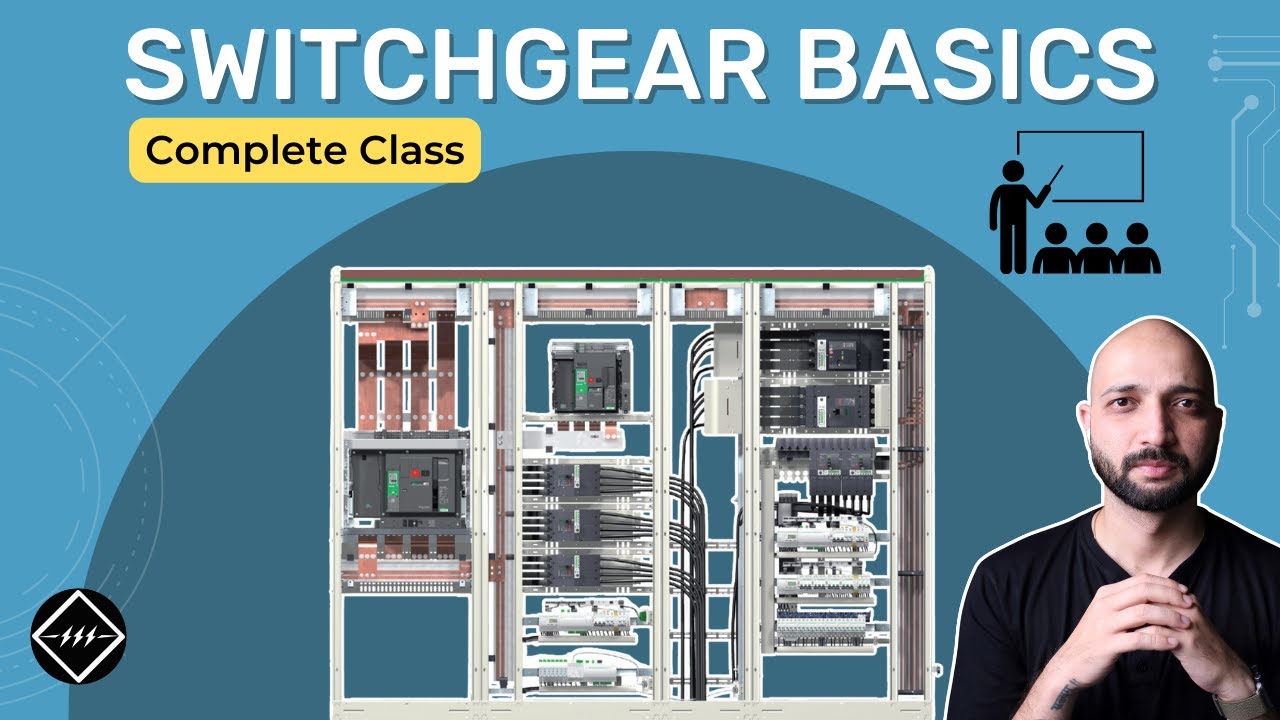
Watch Switchgear Basics: Complete Beginner's Guide | TheElectricalGuy