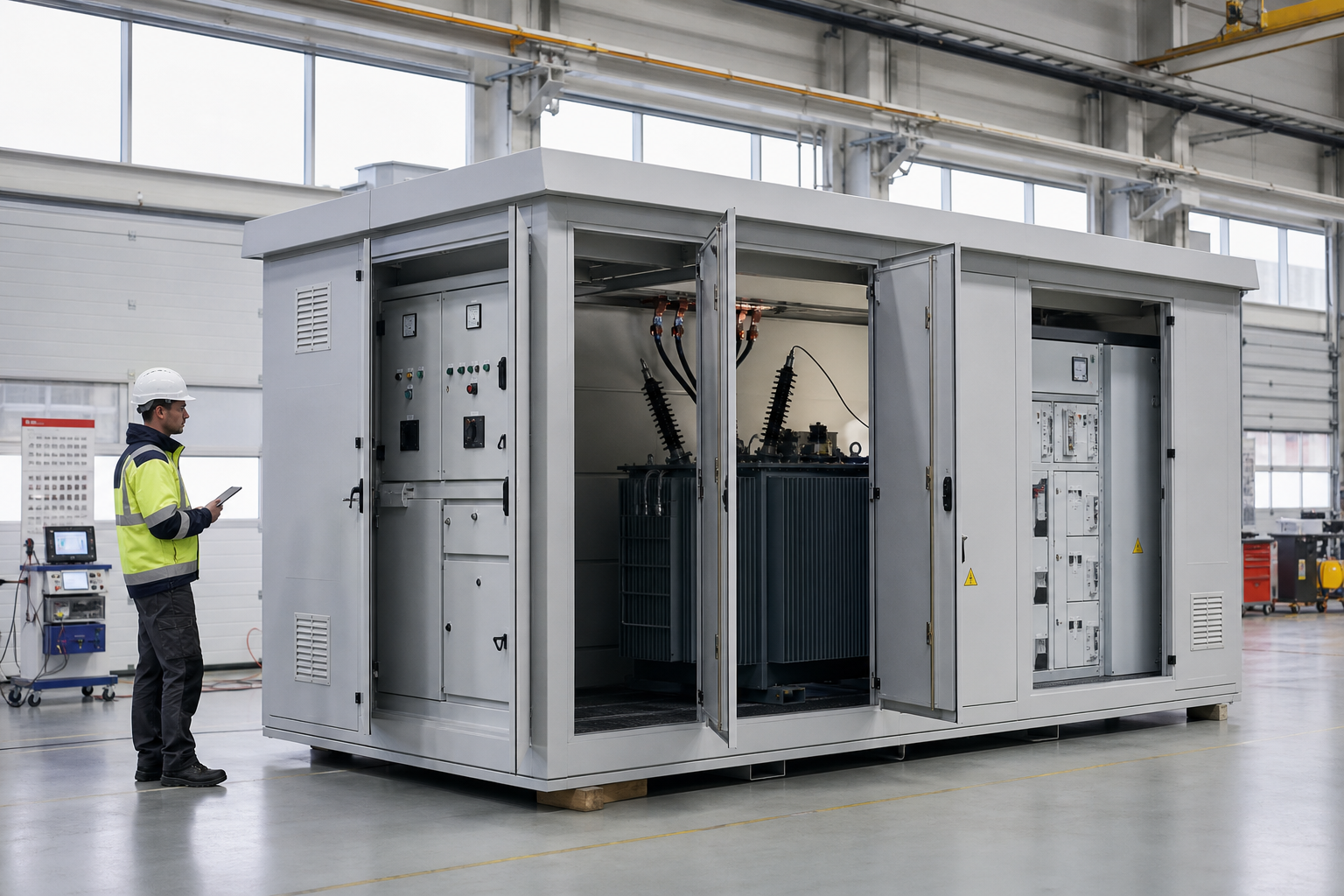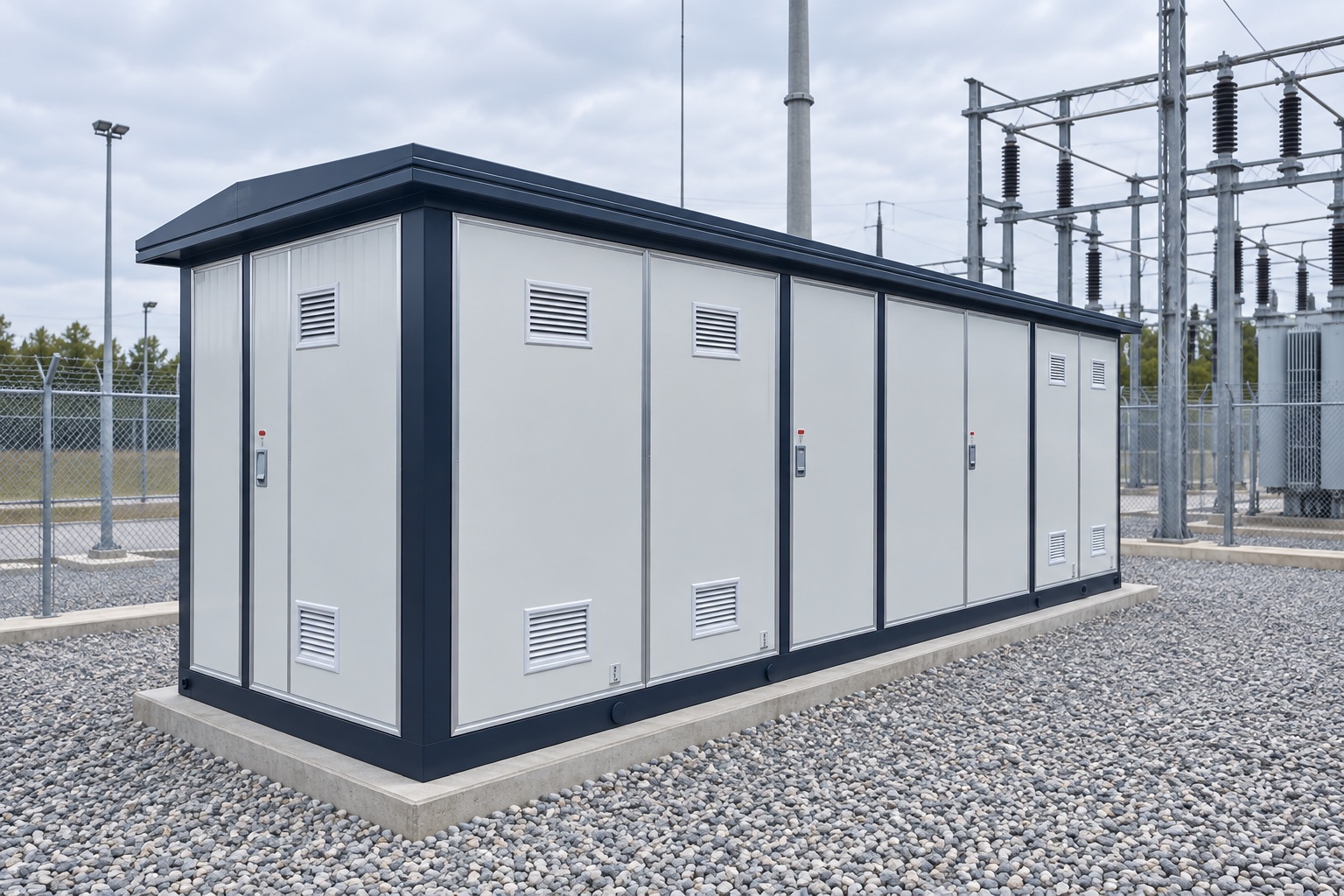

Electric substation design software is usually a coordinated toolchain, not one universal program. A project may use separate applications for power-system studies, protection and control, physical equipment layout, CAD/BIM coordination, grounding, and document management. Choose tools by the calculations, drawings, models, settings, and handover files the project must deliver—not by a feature list alone. This guide compares common software roles, explains what to test between ETAP, AutoCAD, and BIM workflows, and gives a practical pilot plan before purchase.
Key Takeaways
- Substation projects commonly combine several specialist tools; no single category automatically covers every engineering deliverable.
- ETAP-style network studies, AutoCAD drawings, and BIM models serve different purposes and should be checked as separate data flows.
- Test a representative project exchange before buying: confirm units, equipment tags, ratings, geometry, revision history, and reports survive handoff.
- Calculation results and physical clearances still require qualified engineering review against the project’s applicable standards and owner requirements.
What software types are used in an electric substation project?
A substation design package can contain a one-line diagram, load-flow or fault studies, protection settings, control schematics, grounding calculations, site plans, equipment arrangement drawings, cable schedules, bills of material, and commissioning data. Each deliverable may have a different source application and reviewer. Before comparing software, list the project stages and outputs, then identify who owns the master value for each equipment tag, rating, cable, relay, and drawing revision.
Commonly evaluated examples include ETAP and DIgSILENT PowerFactory for power-system analysis; AutoCAD and AutoCAD Electrical for drafting and control-system documentation; and purpose-built substation design products such as Bentley OpenUtilities Substation or primtech 3d for model-based physical design. These are examples of different tool roles, not a ranking or endorsement. The available functions, add-on modules, export options, and licensing can vary by edition and release, so confirm the exact scope in a demonstration using your project data.
| Software role | Examples to evaluate | Typical project output | Important boundary |
|---|---|---|---|
| Power-system analysis | ETAP, DIgSILENT PowerFactory | Network model and study reports such as load flow or short circuit, when included in the licensed scope | Validate source data, scenarios, model libraries, and calculation results independently |
| Physical substation design | Dedicated substation 3D/BIM applications | Equipment arrangement, connected objects, review models, and project-specific reports | Check that the library matches the actual offered equipment and required deliverable format |
| CAD and control drawings | AutoCAD, AutoCAD Electrical, or an owner-approved equivalent | 2D plans, schematics, schedules, and drawing revisions | Confirm symbols, tag rules, numbering, and links to the project’s source data |
| Civil and building coordination | Discipline CAD/BIM tools selected by the project team | Foundations, control buildings, trenches, roads, and coordinated discipline models | Geometry transfer alone does not prove that engineering properties or relationships transferred |
| Protection and substation automation | Approved relay, IED, and IEC 61850 engineering tools | Protection settings, configuration files, communication data, and test records | Confirm exact device support, edition, project conventions, and the utility’s approval process |
| Document and asset data | Owner-approved common data environment or asset system | Controlled files, approvals, change records, and operations handover data | Set a named owner for revisions, access, backups, and long-term data retrieval |
Match the software stack to the project phase
For a greenfield substation, the early design team may begin with network requirements, a one-line, site constraints, and equipment envelopes. Physical layout and civil models then develop alongside electrical studies and protection/control documents. A connected model can help reveal coordination issues, but visual coordination does not itself validate fault duty, grounding safety, or protection settings.
For brownfield work, the main challenge is often the quality of existing records. The team may need to reconcile scanned drawings, incomplete equipment lists, site surveys, point clouds, and the installed condition. Preserve the source and confidence level of each imported value. Mark uncertain data for field verification rather than treating a clean-looking model as proof that the site matches the drawing.
During construction and operation, useful features include revision comparison, controlled submittals, as-built updates, equipment identifiers, and a practical handover route into maintenance or asset systems. A digital twin has lifecycle value only when an organization assigns responsibility for keeping its records current.
BIM, ETAP, and AutoCAD compatibility: what to verify
BIM is a collaborative information-management approach, not a promise that every design application shares a complete live model. ISO 16739-1:2024 defines IFC as an open standard for exchanging BIM information, while implementations can support different subsets and workflows. Ask which IFC version and model view are supported, which properties are mapped, and what is lost on export and re-import.
Do not treat ETAP, AutoCAD, and a BIM platform as interchangeable. An analytical network model may carry electrical connectivity and study assumptions; a CAD drawing may carry geometry and drafting attributes; a BIM model may carry structured object and spatial information. A file that opens successfully can still lose tags, units, circuit connectivity, object relationships, or revision status. Similarly, IEC 61850 addresses communication requirements for power-utility automation functions and device models; it is not a general-purpose 3D CAD exchange format.
For an interface claim, request a live round-trip demonstration using a small, representative package from your project: one-line data, equipment IDs and ratings, a few schematic references, the physical model, and a controlled revision. Compare the source and returned files field by field. Record supported versions, required plug-ins, who owns each correction, and whether a manual re-entry step remains.
Run a representative software pilot before purchase
A short pilot is more useful than choosing by screenshots. Select one uncomplicated bay or equipment group that still exercises the team’s real interfaces. Use project-approved inputs and define pass/fail checks before the trial. Include the engineers and document controllers who will create, review, approve, and hand over the deliverables.
| Pilot item | What to test | Evidence to keep |
|---|---|---|
| Electrical model | Reproduce an agreed reference case; confirm bus, source, transformer, and operating-case inputs | Input register, model revision, assumptions, and peer-reviewed report |
| Physical layout | Place the exact equipment models; review access, maintainability, interfaces, and project-specified clearances | Model file, approved equipment drawings, and issue log |
| CAD/BIM exchange | Export and re-open the file; compare coordinates, units, IDs, properties, and relationships | Before/after field comparison and a list of unsupported attributes |
| Protection and control | Trace selected device tags from the one-line through schematics and approved configuration records | Cross-reference check, settings review, and test/approval record |
| Reports and handover | Generate the required drawing index, schedule, quantities, and asset fields from the controlled model | Sample deliverables with revision, approval, and export traceability |
Include a change during the pilot. For example, revise one equipment identifier or rating in the authorized source and observe which drawings, schedules, studies, and model objects update. This exposes duplicate data entry and helps the team find the actual system of record. Have a qualified engineer review calculations and safety-critical decisions; a successful import/export test is not technical approval.
Compare cost, licensing, and data ownership
There is no reliable universal price for an electric substation design software stack: costs depend on the products, modules, users, term, support, region, implementation, and data environment. Ask for a written quote that separates base licenses from study modules, specialist libraries, cloud or collaboration features, connectors, training, support, and renewal terms. Confirm whether occasional reviewers need paid access and how licenses work for contractors or distributed teams.
Compare total ownership costs over the project and expected asset life, not only the first-year quote. Include migration from legacy drawings, model setup, internal templates, engineering training, validation effort, hardware or hosting, backups, cybersecurity controls, version upgrades, and the cost to export records when the contract ends. Clarify who owns project data, who can edit approved libraries, and what files remain accessible if a subscription or vendor relationship changes.
Equipment data to request for a useful model
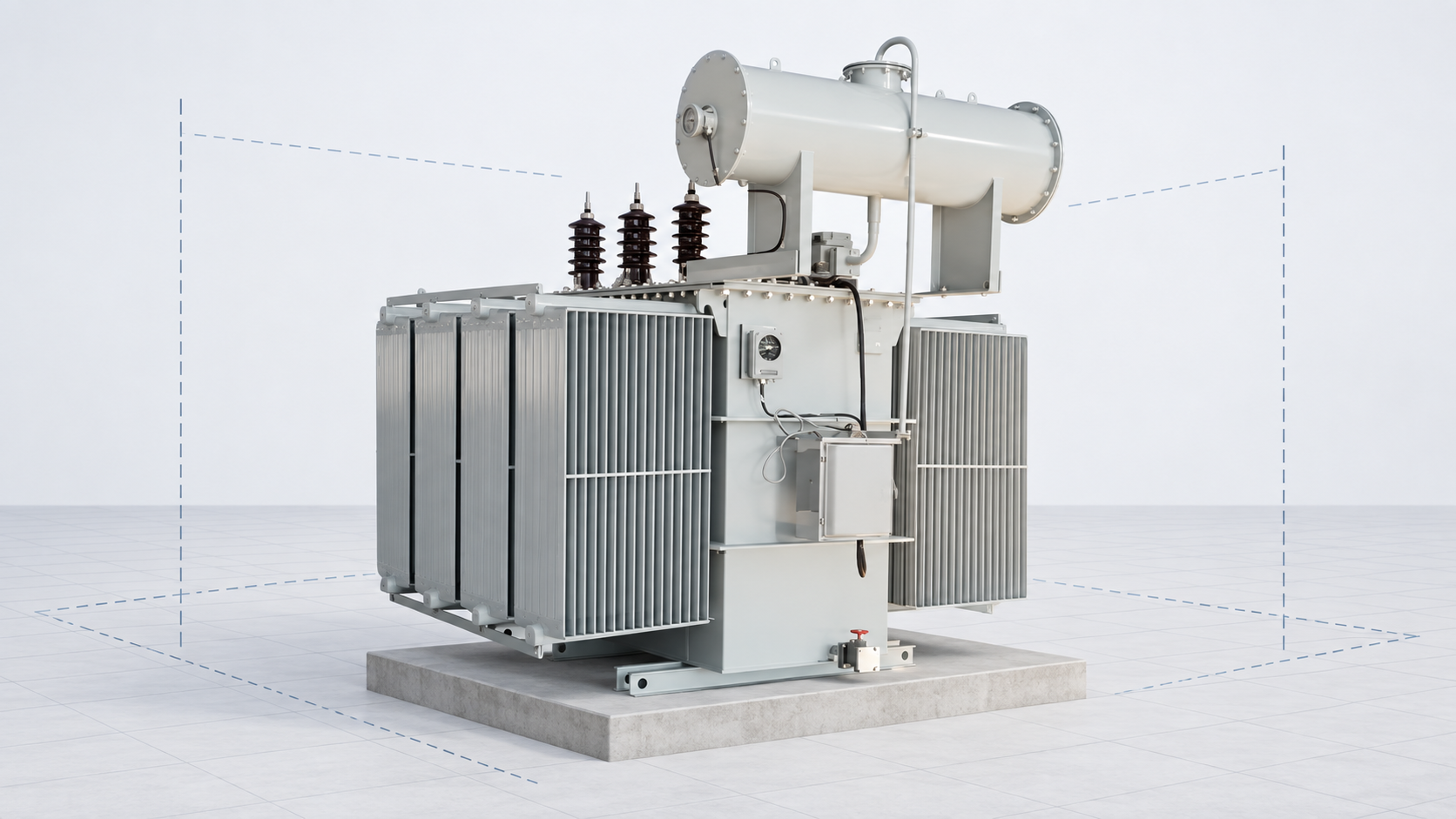
Model quality depends on accurate source data from the project owner, utility, survey team, and equipment manufacturer. When a transformer or switchgear item is part of the design, agree the required format and revision before modelling. The exact package varies by product and contract; a simple catalogue image or nominal rating is not enough to define a construction-ready object.
- Approved outline or general-arrangement drawing for the offered model, including stated dimensions and connection locations.
- Nameplate and guaranteed technical data, with the rating, voltage, frequency, connection details, and conditions tied to that exact model.
- Mass, foundation or support requirements, access points, lifting or service envelopes, and any project-specific interface information that the design team requires.
- For switchgear, the confirmed lineup, cubicle arrangement, cable-entry needs, and relevant electrical/control connection documents.
- File format, revision identifier, permitted reuse, confidentiality terms, and the process for recording later approved changes.
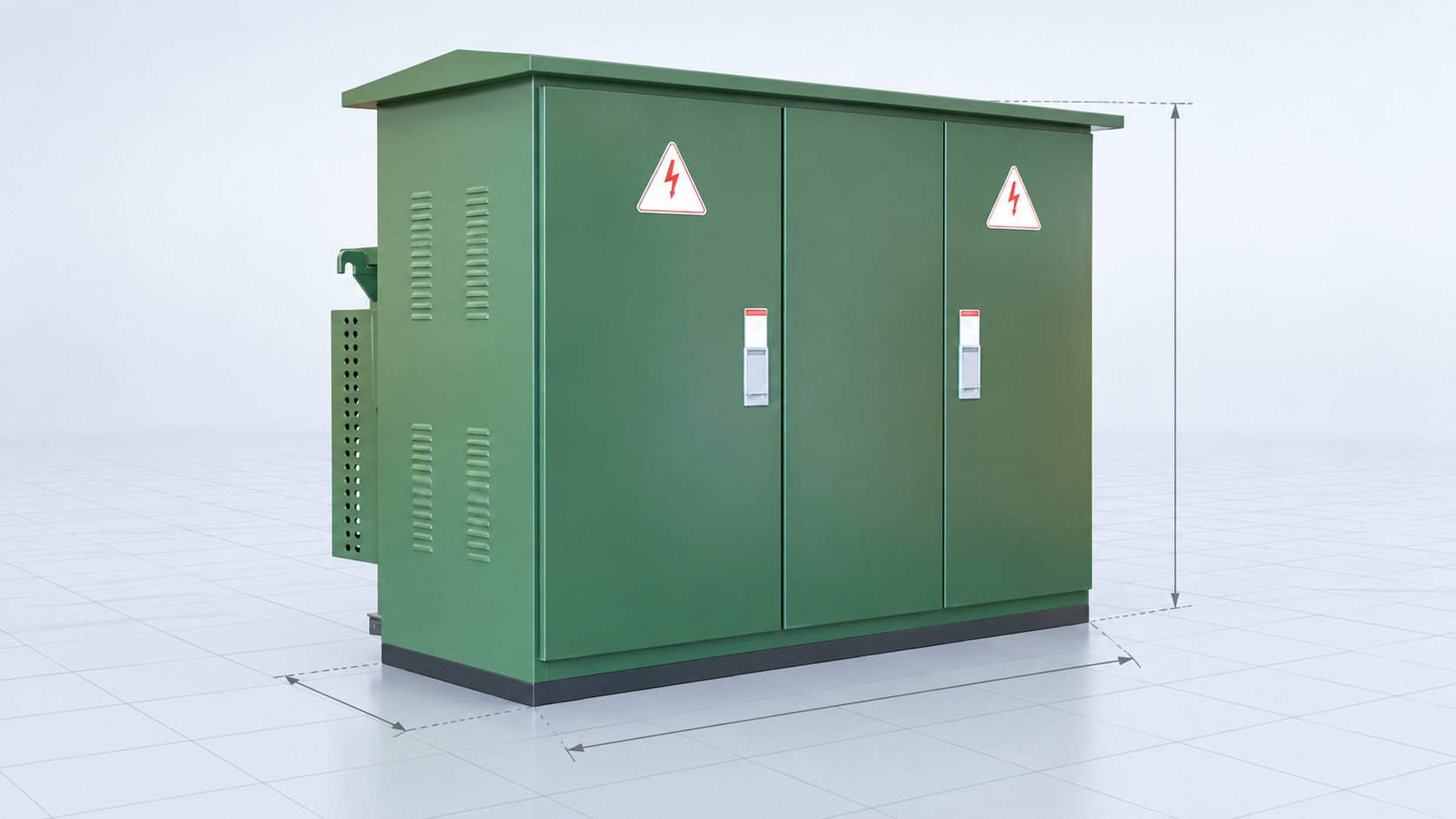
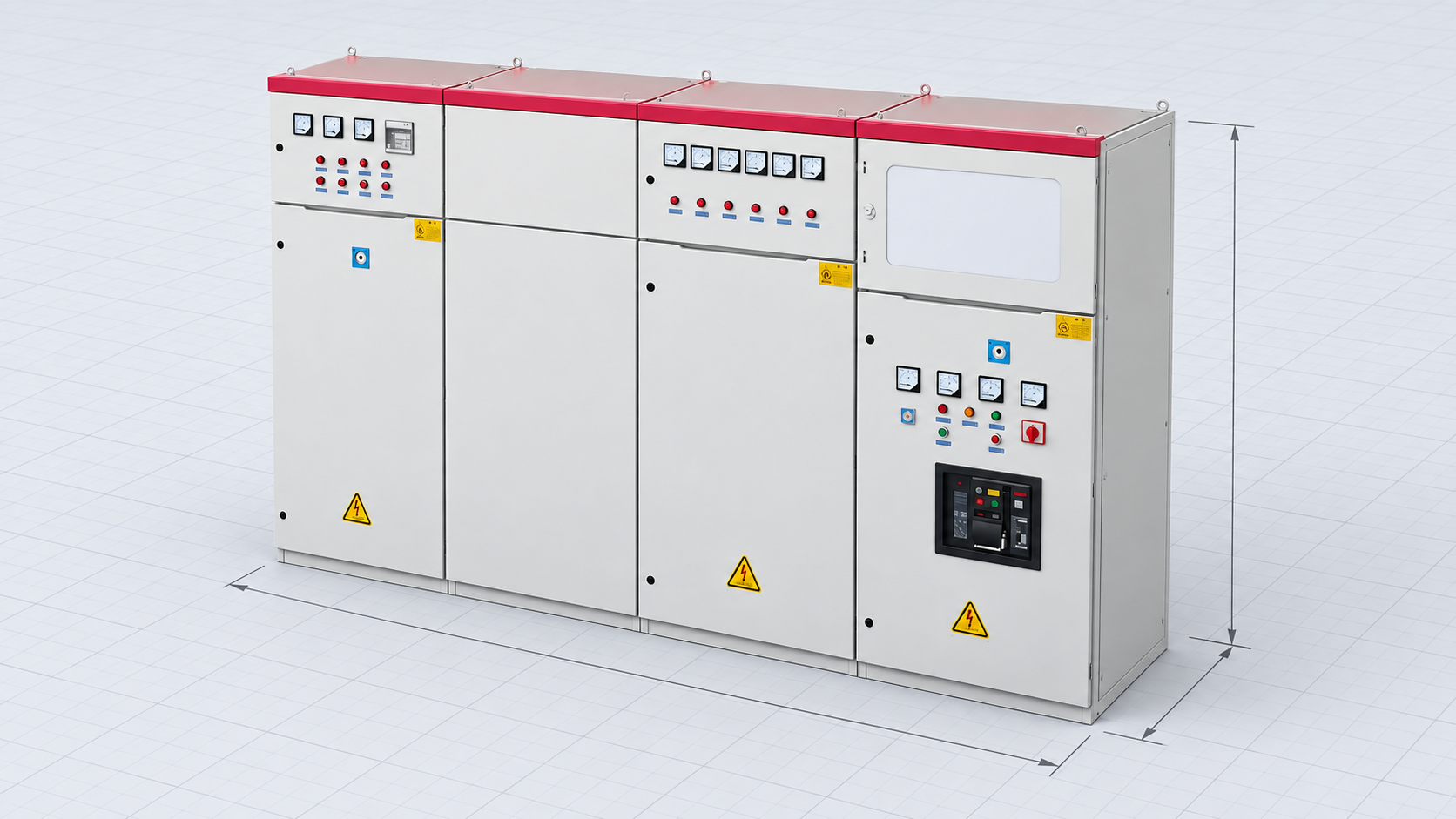
For product context, see LBAJI’s substation equipment range, the GGD low-voltage switchgear, and the 35 kV oil-immersed transformer. These links identify product families; use the exact project submittal and approval record for engineering values.
Validation, standards, and cybersecurity boundaries
Software supports engineering work; it does not replace the project design basis, owner requirements, qualified review, or applicable codes and standards. Confirm the right standard edition and jurisdiction for each study. IEC 61850 Part 5 concerns communication requirements for utility-automation functions and device models, while the selected protection, grounding, clearance, civil, and equipment requirements may come from separate standards and owner specifications.
For cybersecurity, include access control, change history, backups, remote access, file exchange, retention, and incident-response requirements in the evaluation. NIST’s Cybersecurity Framework 2.0 is a risk-management reference, not a substation software certification. Restrict project and infrastructure data to authorized people and verify how cloud, local, contractor, and vendor access is administered.
Before accepting a deliverable, verify the source revision, software version, study scenario, units, library version, reviewer, approval status, and outstanding assumptions. Retain the evidence needed for another qualified engineer to reproduce the result. A model should help the team understand and coordinate the design—not obscure where critical values came from.
Visual background: what a substation model represents
If you are new to substation equipment, this independent explainer offers physical-system context before you review layout tools. It is not a software tutorial and does not approve a project design.
Watch “How Do Substations Work?” by Practical Engineering on YouTube.
Related substation design resources
Continue with the complete substation design and layout guide for system-level context, the substation engineering stages and deliverables guide for project workflow, and the substation maintenance and testing schedule for operations handover. For component selection, review the medium-voltage switchgear design and selection guide.
Frequently Asked Questions
What software is used for electric substation design?
Most projects combine tools for network studies, protection and control, physical layout, CAD/BIM coordination, and document management. The exact combination depends on the required deliverables and owner standards.
Is ETAP enough to design a complete substation?
ETAP is one example of power-system analysis software, but a complete project may also need physical layout, civil coordination, control drawings, protection configuration, grounding, and document-management tools.
Is BIM the same as substation design software?
No. BIM describes a coordinated information and model-based workflow. Applications create and exchange the data, and teams must still agree which objects, properties, and revisions each exchange includes.
Can software confirm that a substation design is safe?
Software can support calculations and reviews, but safety depends on correct inputs, applicable standards, project conditions, and approval by qualified professionals. The design team must validate critical results and assumptions.
Technical References and Further Reading
- IEC 61850-5:2013+AMD1:2022 — communication requirements for power utility automation functions and device models.
- IEEE Power & Energy Society Substations Committee — committee scope covering substation design, construction, testing, and maintenance.
- NIST Cybersecurity Framework 2.0 — cybersecurity risk-management guidance.
IFC exchange is defined in ISO 16739-1:2024; confirm access to the current standard and the specific model view required for your project.
Conclusion
Choose substation design tools by deliverable, validated data flow, lifecycle ownership, and the ability to reproduce reviewed results. A short pilot with actual project inputs will reveal whether the software stack fits better than a feature checklist or product demo.